
Setup Guide
- Search for “Truley Sentinel” in the App Store or Google Play to download the APP.
- Follow the steps to create your account and connect to your Truley Sentinel edge device.
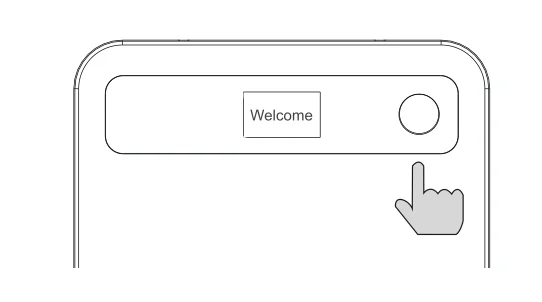
- Long press the Record button for 3 seconds.
- A “Welcome” message will appear on the screen.
- Open the Truley Sentinel APP, go to settings and follow the instructions to bind the device.
- Upon successful binding, the device will appear on your paired device list.
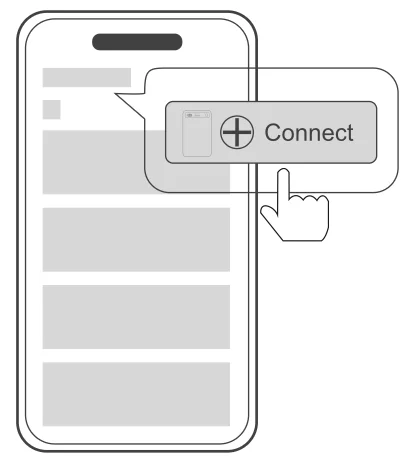
📌 Note: The recorder cannot connect to your cell phone directly through Bluetooth. Please connect your recorder via the Truley Sentinel APP while Bluetooth is turned on on your phone.
Record
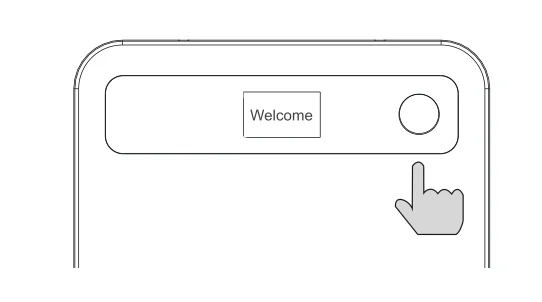
- Press the button lightly to start recording.
- Press the button again to end and save the recording.
Notes
- Recording range recommendation: within 2 meters.
- The recorder can capture the voice of the person on the other end of the call.
- For phone call recording, ensure that the recorder is securely attached to the back of the phone with the supplied MagSafe case.
Record via APP
- Click the record button while the recorder is connected to start recording via the recorder.
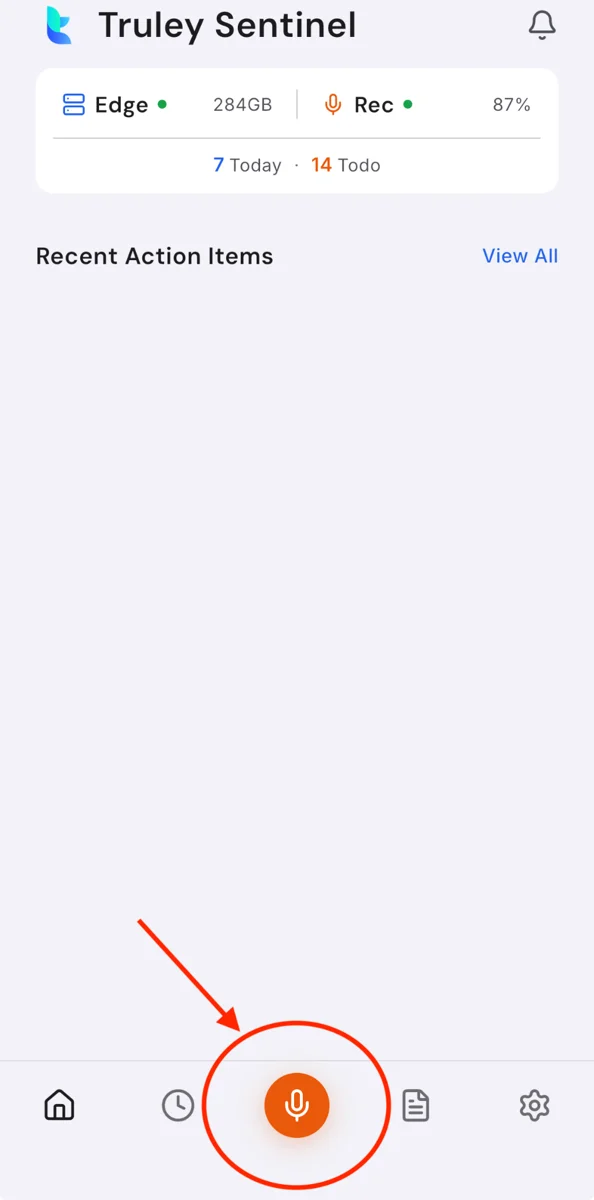
- Click the stop recording button to end recording and save the audio file.
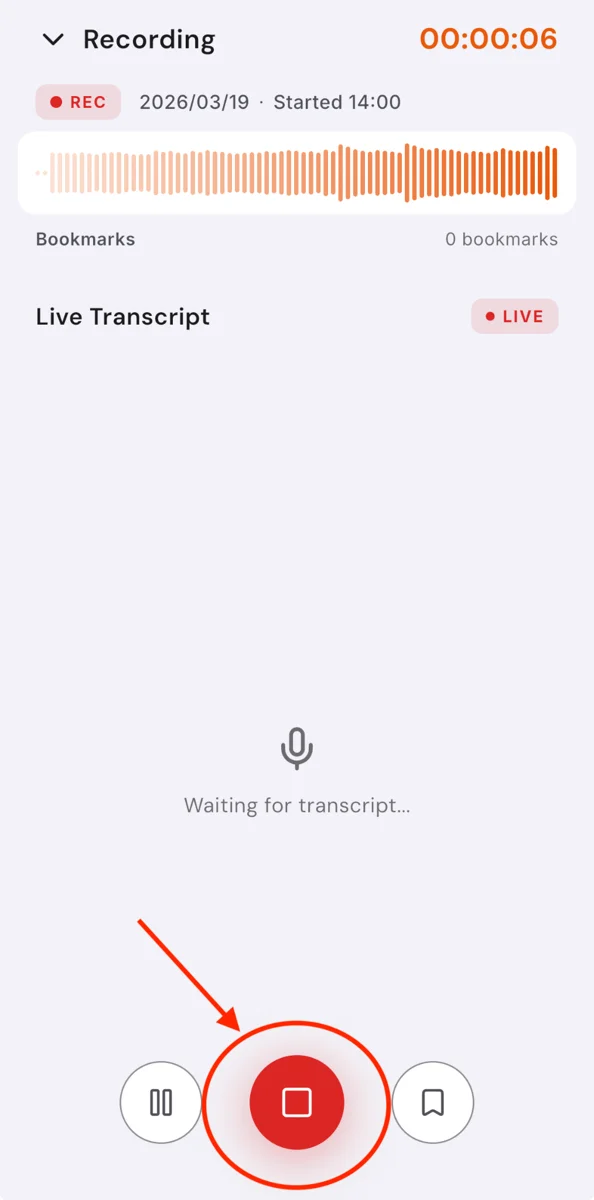
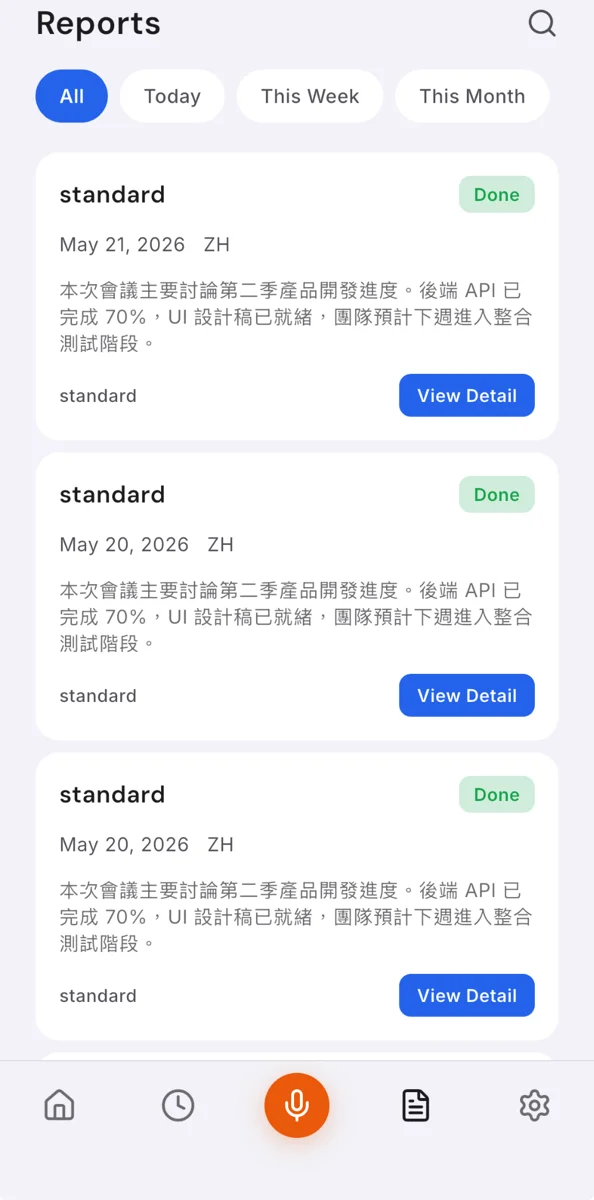
- The audio file will be available for playback in the Reports page.
Recording File Sync via APP
After connecting, existing audio files on the recorder will appear in the APP. Synchronize the files to the APP to start transcription and report generation.
Recording File Sync via Computer
- Connect the recorder to the Truley Sentinel APP via Bluetooth.
- The connection icon should appear in the APP.
- Transfer audio files via Bluetooth and the APP.
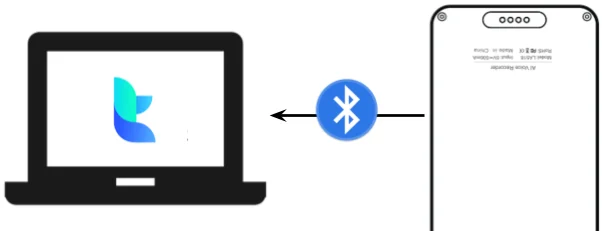
⚠ Caution: Do not disconnect during file transfer to prevent file loss.
Report Generation
- After syncing the recorder with the APP, the audio file will be processed to generate a transcription and a full report.
- The report can be found in the Reports page.
- Export audio format: MP3
- Export transcript and report format: DOCX, PDF
Technical Specification
- Product Name: Truley AI Recorder
- Type: TR001
- Charging: Magnetic Charging Pin
- Battery Capacity: 410mAh
- Input: 5V⎓0.5A
- Memory Capacity: 16GB
- Recorder Format: MP3
- Recording Time: 50 hr
- Weight: 28g
- Audio Bit Rate: 32kbps
- Sampling Rate: 16kHz
- Supported OS: iOS, macOS, Windows, Android
Warning
Before using this unit, carefully read the following precautions and operating instructions. Keep them in a safe place for future reference.
- Do not disassemble, strike, crush, or throw into a fire.
- If severe swelling occurs, discontinue use immediately.
- Do not expose the battery to high temperatures. Do not use it after it has been submerged in water.
- Do not expose this unit to rain or moisture. Avoid direct sunlight, and keep it away from other heat-producing devices.